mirror of
https://github.com/Nezumi-2711/surCord.git
synced 2026-09-22 13:48:38 +00:00

surCord
Hello. Again.
How to use 📖
Learn how to use BeautifulDiscord, Powercord, Goosemod, or BetterDiscord. Browser users should look into Stylus.
- BetterDiscord/BeautifulDiscord users can download surCord.theme.css and either
- Inject the CSS file with BeautifulDiscord
- Place in the BetterDiscord themes folder
- Powercord users:
- Open a terminal in the themes folder and type
git clone https://github.com/SlippingGitty/surCord/
- Open a terminal in the themes folder and type
- Goosemod users
- Coming Soon!
- Stylus
- Head here to install.
Extra info ℹ️
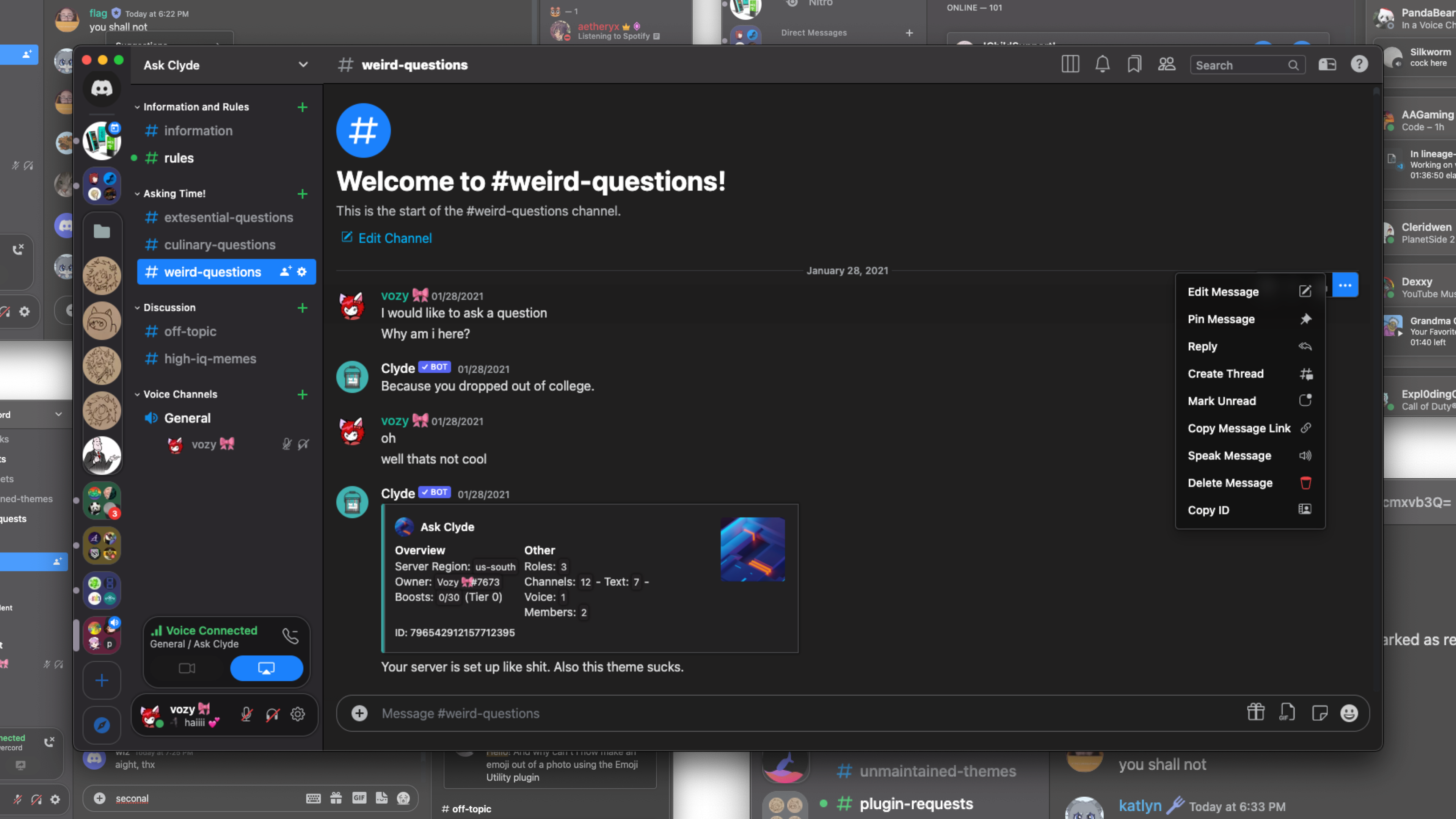
This theme was made with macOS in mind first and foremost. As a result, this theme might look imporper if you are on Windows, or any various Linux flavor of choice. You should maybe consider installing the San Fransisco font library.
macOS users may also check out Faux-TitleBar.
Devs, Contributors, and other Creditors:
 |
 |
 |
|---|---|---|
| Vozer | Discord Extensions ORG | Bootstrap |
Support Server 💬: https://discord.gg/xWYMgbD28p