
surCord
Hello. Again.
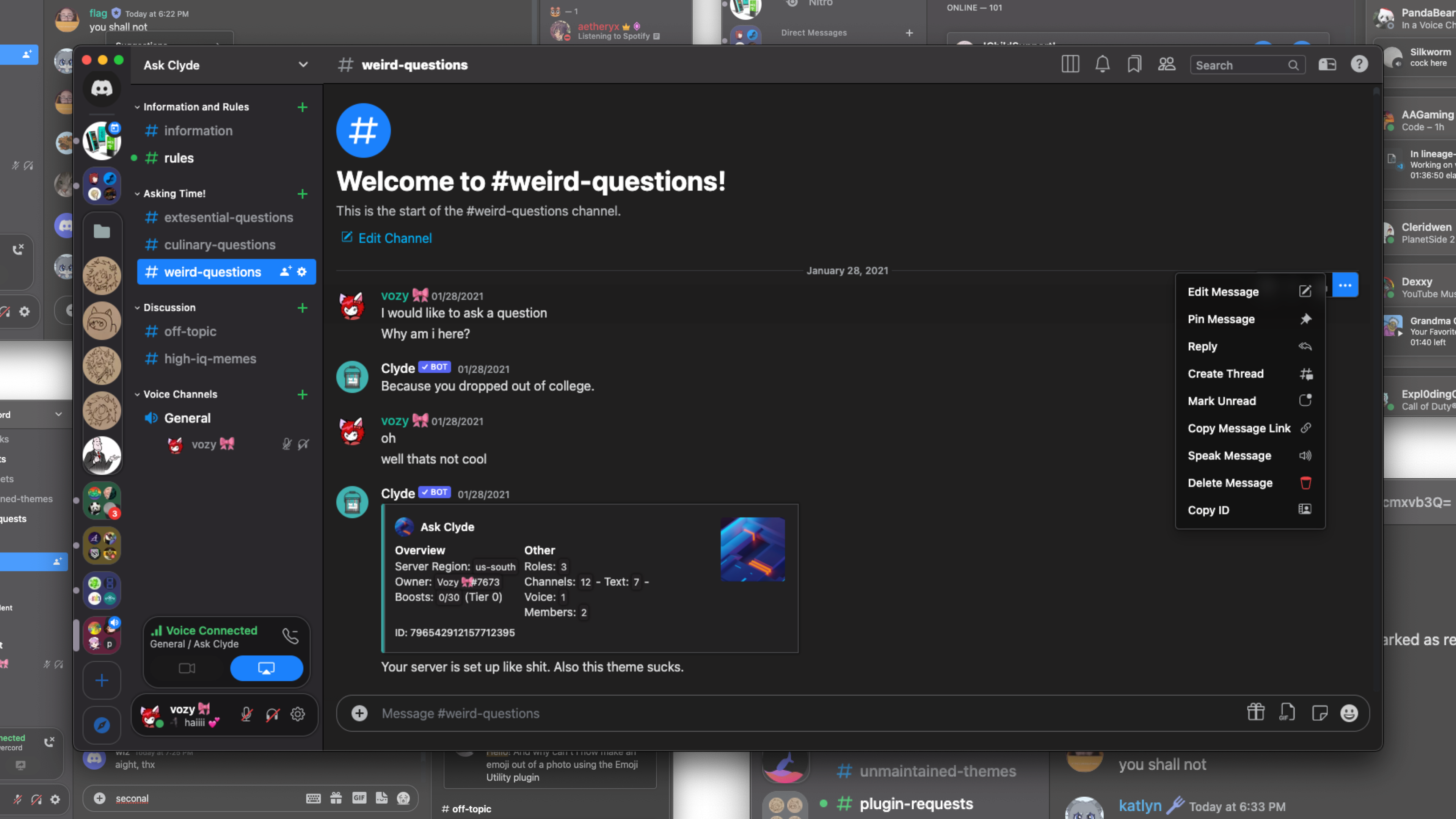
How to use 📖
Learn how to use BeautifulDiscord, Powercord, Goosemod, or BetterDiscord. Browser users should look into Stylus.
- BetterDiscord/BeautifulDiscord users can download surCord.theme.css and either
- Inject the CSS file with BeautifulDiscord
- Place in the BetterDiscord themes folder
- Powercord users
- Open a terminal in the themes folder and type
git clone https://github.com/SlippingGitty/surCord/
- Open a terminal in the themes folder and type
- Goosemod users
- Coming Soon! (for now you can use topaz)
- Stylus
- Head here to install.
Extra info ℹ️
-
You can very easily change the accent and theme color for surCord by navigating to
/src/_theming.scssand uncommenting >>>one<<< of the accent colors and one of the background colors.BD and Stylus can uncomment these in surCord.theme.css / surCord.user.css
-
You can set surCord to use Apple's Emoji font by navigating to
/src/_modules.scssand uncommenting@import url(https://mwittrien.github.io/BetterDiscordAddons/Themes/EmojiReplace/base/Apple.css); -
You can uncomment
font-weight: bold;in your respective font sections to use San Fransisco Display Bold.- BD: surCord.theme.css
- Powercord:
/src/_font.scss - Stylus: surCord.user.css
-
Stylus users on Firefox have to be on version 102 or later and toggle "Patch CSP to allow style assets"
Chromium browsers shall be fine by default on any recent version.


Devs, Contributors, and other Creditors:
 |
 |
 |
 |
|---|---|---|---|
| Vozer | Discord Extensions ORG | Bootstrap | BlueRedBlueYellow |
 |
 |
 |
 |
 |
|---|---|---|---|---|
| Loremly | Lucism | LeafyLuigi | LuckFire | Czarhex |
Support Server 💬: https://discord.gg/xWYMgbD28p